Blog › TECH
Why Wasn't Google Indexing My Pages? The Answer Was a Double Slash in hreflang
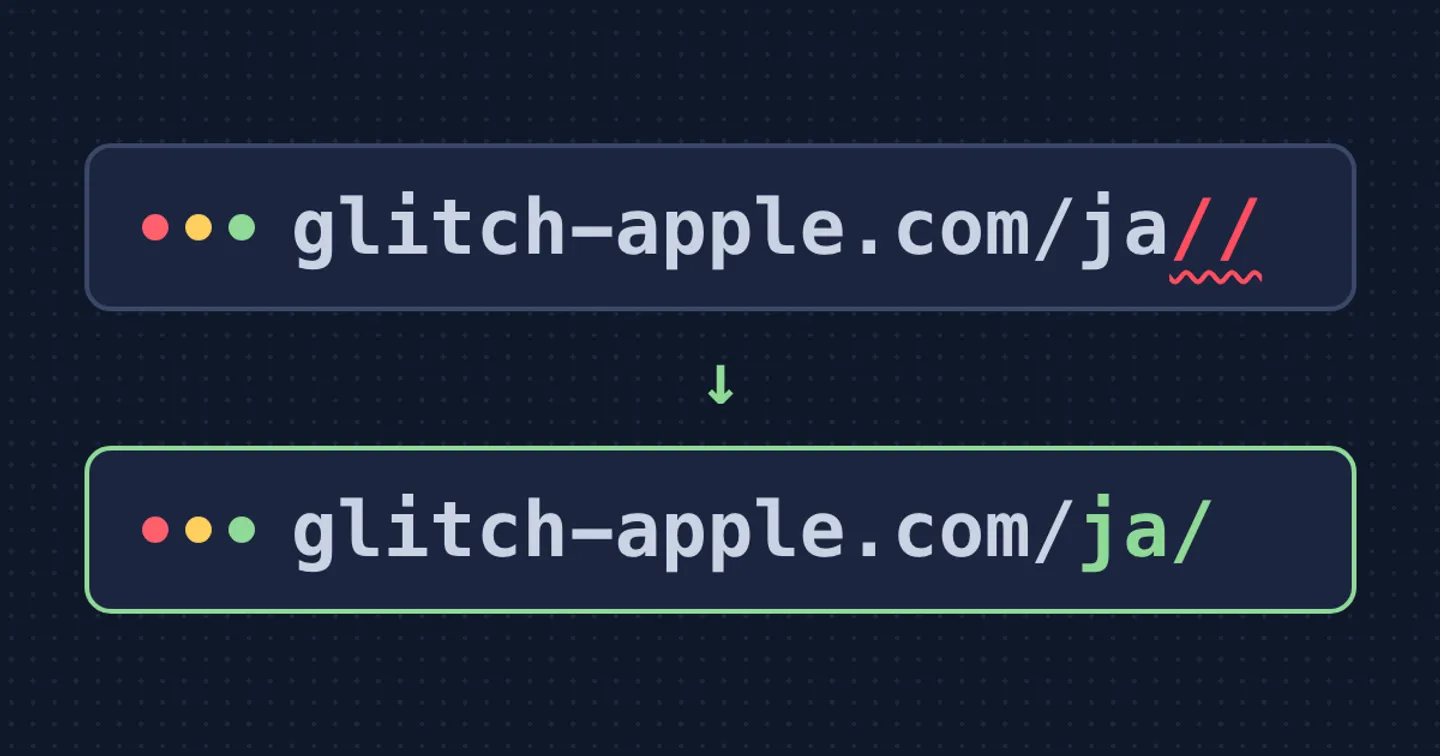
This blog runs in three languages — Korean, Japanese, and English. So every post I publish creates three URLs (like /ko/post-name/, /ja/post-name/, /en/post-name/), and there’s a tag that tells Google “these three are the same post in different languages.” That tag is called hreflang.
Google indexes a page only after it decides the page is worth showing in search results. If a page never gets indexed, no amount of writing gets it any search traffic — full stop. So I check Search Console (the tool that shows how Google actually sees your site) every now and then. A few days ago I opened it and found 44 pages marked “Failed.”
They were split into five categories, and honestly, the names alone told me nothing about which ones were real problems.
- Alternate page with proper canonical tag — 20
- Page with redirect — 13
- Duplicate without user-selected canonical — 5
- Crawled - currently not indexed — 4
- Duplicate, Google chose different canonical than user — 2
44 pages. My first thought was that the whole site was broken somehow.
But once I actually opened the URLs one by one, the picture changed. “Alternate page with proper canonical tag” and “Page with redirect” were mostly www. or http:// addresses. Those are supposed to redirect to the real address (https://glitch-apple.com/...), and as long as that real address gets indexed, everything’s fine. Seeing the word “Failed” made it look alarming, but 33 of the 44 (20+13) were just Google correctly doing what it’s supposed to do.
The actual problem was hiding in the rest. Under “Duplicate without user-selected canonical,” there were addresses like these:
https://glitch-apple.com/ko//
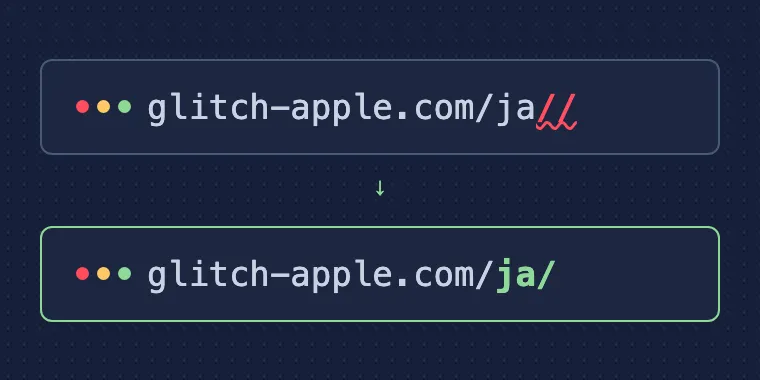
https://glitch-apple.com/ja//
Two slashes. I never created URLs like that, so I spent a while trying to figure out where Google had even found them.
The answer was sitting in the site’s own <head>. I opened the source of the homepage and found this:
<link rel="alternate" hreflang="ja" href="https://glitch-apple.com/ja//">
<link rel="alternate" hreflang="en" href="https://glitch-apple.com/en//">
The tag I’d written myself to tell Google “here’s the Japanese version” had a double slash baked into it. Google trusted the tag, followed it, “discovered” an address that didn’t actually exist, checked where it redirected to, and filed the whole thing under “duplicate with an unclear canonical.” My own tag had led Google somewhere strange.
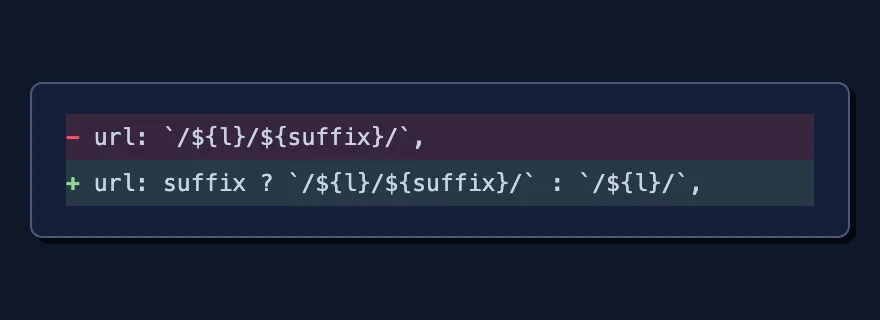
The cause turned out to be a single line of code.
url: `/${l}/${suffix}/`,Pages where something follows the path (like /ja/blog/) were fine. But on pages like the homepage, where nothing follows the language prefix, suffix became an empty string, and /ja/ + “ + / collapsed into /ja//. Only the three homepages — Korean, Japanese, English — were hitting this.
url: suffix ? `/${l}/${suffix}/` : `/${l}/`,I changed it so an empty string just gets a single slash. That was the whole fix.
After deploying and checking the source again, every hreflang value came back correct. Once Google recrawls, those double-slash addresses should clean themselves up on their own.
What I took away from this: don’t take the word “Failed” at face value. Out of 44 flagged pages, only two or three actually needed fixing. The rest were either working exactly as intended, or had nothing to do with my code at all (Google just hasn’t built up much trust in a domain this new yet). They were all sitting under the same “Failed” label, so there was no way to tell which ones were real without opening each one myself.
Comments